Media and files
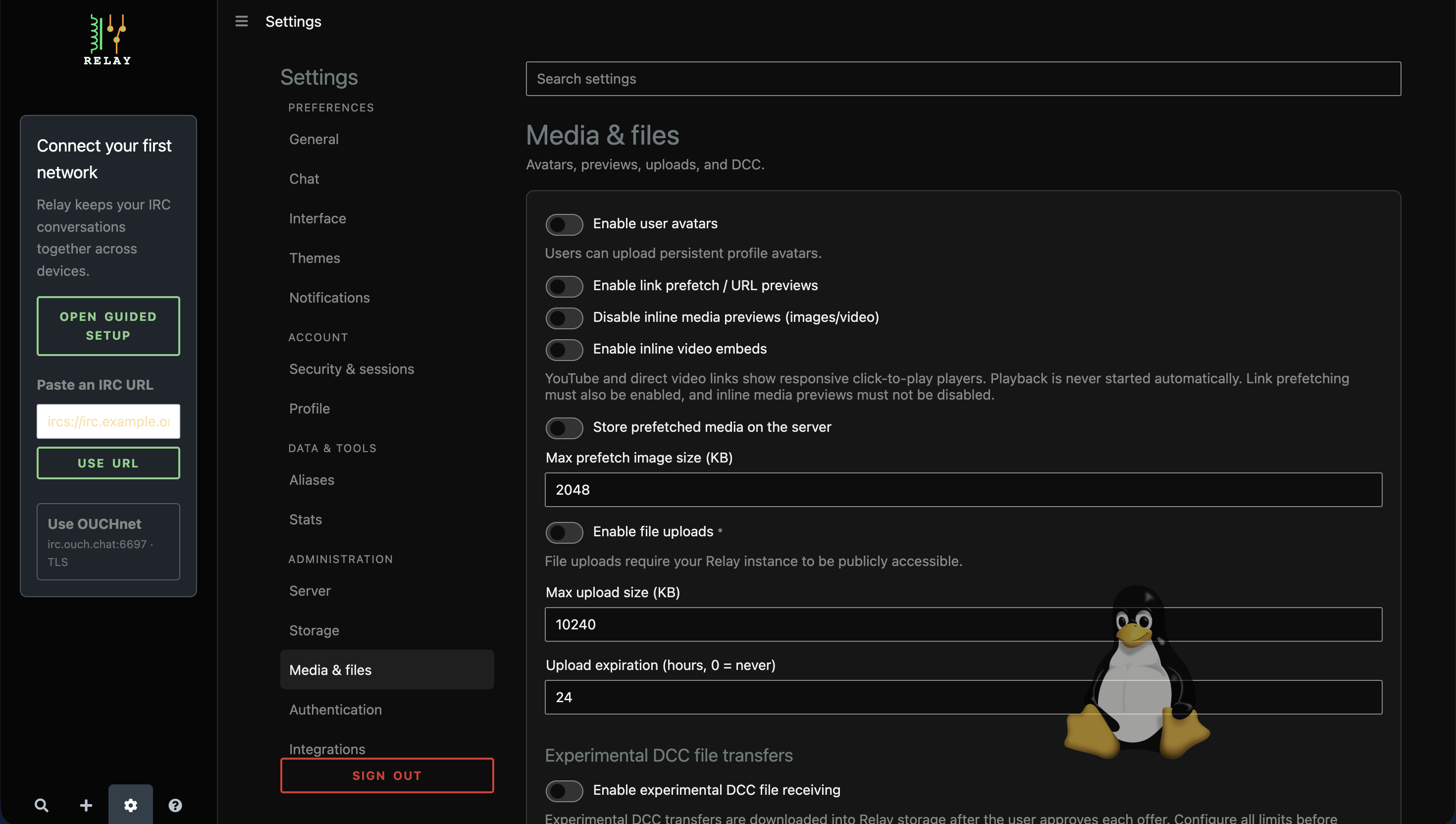
Under Administration > Media & files, administrators can:
- enable persistent avatars and set their maximum size;
- enable link prefetch, URL previews, inline media, and click-to-play video;
- choose whether Relay stores prefetched media;
- set prefetch and upload size limits;
- define server-wide upload expiration; and
- configure experimental DCC receiving, concurrency, retention, free-space, listen, advertised, and download-URL values.
Inline video requires link prefetch and inline media previews. Some changes require a server restart. Public mode intentionally limits upload behavior; see Public mode.
Image metadata limit (newer master)
On master after 0.11.5, Max image metadata scrub size (MiB) independently limits JPEG, PNG, WebP, and GIF sanitization. It defaults to 128 MiB and accepts 1–256 MiB. Changes in Administration > Media & files apply to subsequent uploads without a restart. The ordinary upload limit and any proxy limit must also permit the file. Images that exceed the scrub limit or cannot be sanitized are rejected, not uploaded unchanged. Larger limits consume more server memory; Relay scrubs one image at a time. See the configuration reference.
Preview cache and size units
Relay 0.11.3 adds configuration-file preview-cache budgets under prefetchCache:
maxBytes (536870912), maxFiles (10000), and minFreeBytes (268435456).
All must be positive; restart after changing them. Cached previews are evicted
least-recently-used first when space is needed. The free-space floor does not
reserve disk space against other applications. If a preview cannot be cached,
the original chat link remains usable. The cache is temporary, not a file archive.
Size fields labelled KB use KiB (1024 bytes); expiration is in hours. Image metadata scrub and DCC free-space limits use MiB. DCC needs positive size, concurrency, retention and free-space budgets before enabling it. See the configuration reference for defaults and restart guidance.